
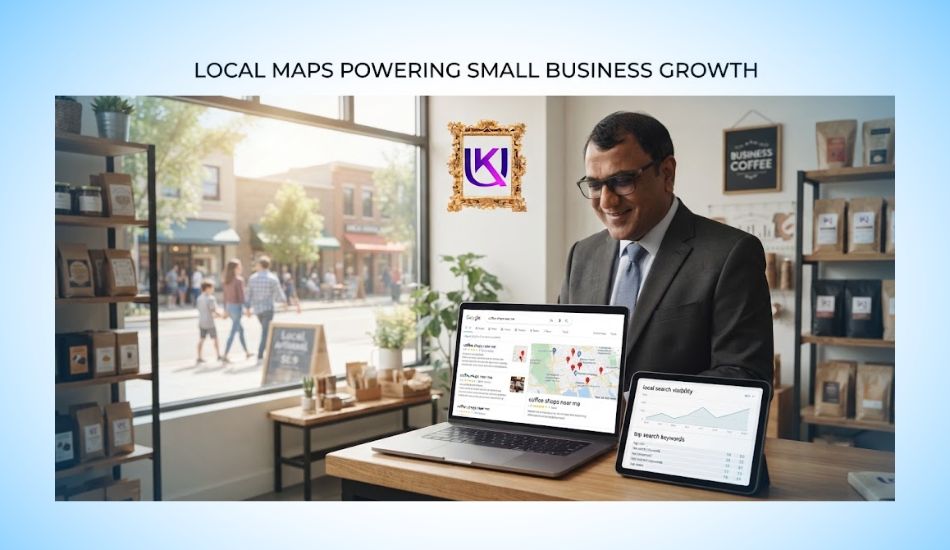
Local SEO Small Business strategy can help you get found when customers in your area search Google for the service you offer.
But if your business is missing from Google Maps or sitting below your competitors in the Local Pack, adding more keywords to your website will not fix the real problem.
Your local visibility starts with your Google Business Profile (GBP). Google uses information from your profile, your website, customers, and other sources to understand what your business does and where it serves customers.
It then looks mainly at relevance, distance, and prominence when deciding which local businesses to show in Google Search and Google Maps.
That means you need more than a verified profile. You need the right business category, clear services, correct hours, useful photos, accurate contact information, and real customer reviews.
Your website also matters because Google can use information from your site and other public sources when building its understanding of your business.
In this guide, you’ll learn how to build a practical Local SEO Small Business strategy for 2027. You’ll see what you can improve, what you cannot control, and how to connect your Google Business Profile, website, reviews, local content, and local authority so customers are more likely to find and choose your business.
Why may a small business not appear in Google Maps?
Picture a leaking sink on a Saturday morning. You grab your phone. You type “professional SEO Expert near me.” Three names pop up on a small map. You call the first one. That is how most local customers choose. The three names on that map get the calls.
If you run a shop, a salon, or a repair van, you want to be in that group. A local SEO small business plan can get you there. It does not need a big budget. It needs the right steps in the right order.
This guide shows you those steps. It also covers changes Google made in 2026 that most guides skip.
Quick answer:
To rank higher on Google Maps, claim your Google Business Profile and pick the right main category. Keep your hours and details exact. Earn fresh reviews and reply to them. Match your details on your website and other sites. Google weighs relevance, distance, and prominence.
How Google Picks the Businesses on the Map?
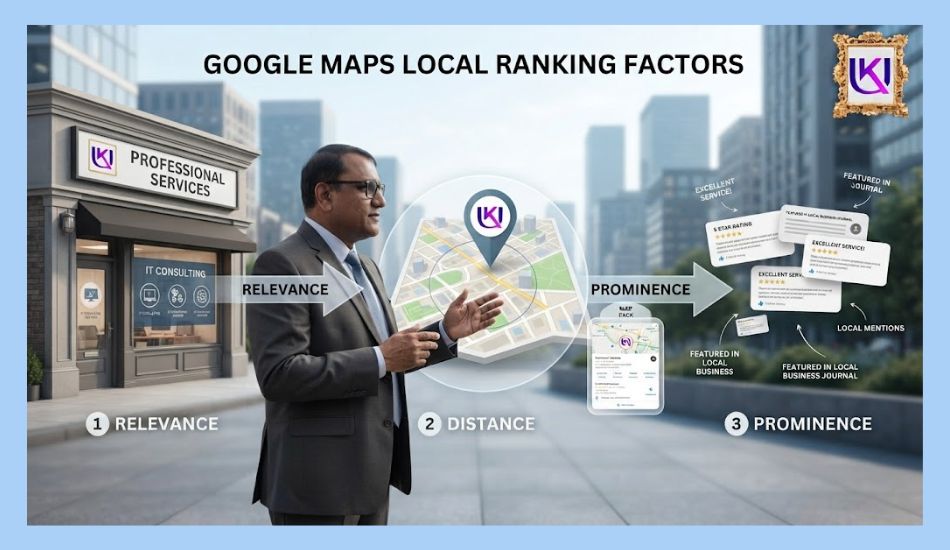
Google says local results come down to three things.
- Relevance: How well your business matches what the person typed.
- Distance: How far you are from the searcher, or from the place they named.
- Prominence: How well known you look. Reviews, links, and mentions all help.
You cannot change distance. You cannot move your shop next to every customer. That is fine. You can work on the other two. That is where small businesses win.
Whitespark asks local SEO experts to score ranking signals every few years. The 2026 round had 47 experts and 187 signals. Their answers point to two big winners for the map. One is your Google Business Profile (GBP). The other is your reviews. Your website comes next.
Think of it like a new kid in class. Google needs proof you are real, open, and liked. Your job is to give it that proof.
What If a Rival Is Closer?
Say a bigger rival sits right next to the searcher. You will not win every search. But you can win more of them. Be more exact than they are. Have more recent reviews. Show better photos.
List the services they skip. Search from different streets in your town. You may find spots where you already show up. Build on those. Then grow outward, one area at a time.
For example: search “uk deb professional seo service and business consultancy.”
What Is New Going Into 2027?
Many guides still read like it is 2022. Here is what changed.
| Topic | The old way | The 2027 way |
| Questions | People read the Q&A box on your profile. | Google’s Ask Maps, powered by Gemini, builds answers from your profile, reviews, photos, and site. |
| Reviews | Get as many as you can. | Get fresh ones. Reply fast. Keep your stars high. |
| Directories | List everywhere. | Keep key sites exact. Web mentions help AI tools find you. |
| Website | One page for everything. | One page for each service. |
| Profile work | Click through the dashboard. | Use the dashboard, or ask Gemini for help. |
The numbers back this up. BrightLocal surveyed 1,002 US adults in 2026. About 45% use AI tools to find local businesses. Also, 74% look for reviews from the last three months. And 31% will only use a business rated 4.5 stars or higher. A year earlier, that last number was 17%.
Whitespark added AI search as its own group for the first time. It found that mentions of your business on other sites matter a lot there. Three of the top five AI signals are about citations. In their words, mentions are the new links.
The basics still work. But small details count more now. A thin profile gives Google little to read. A full one gives it plenty.
Using Gemini the Smart Way
Google now lets some owners link Gemini to their profile. It can help update hours, draft replies, and show tips. Use it to save time. But read every reply before you post it. A reply that sounds like a robot loses trust. Check each change it makes too. You know your business best.
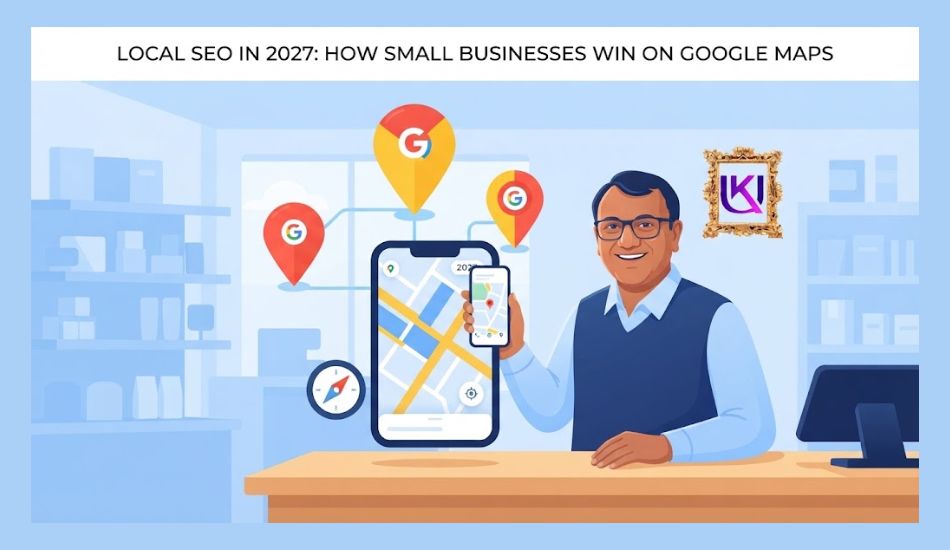
Step 1: Build a Strong Google Business Profile (GBP) Setup.
Your profile is your free storefront on Google. Claim it first. Verify it. Then fill in every part.
1. Pick the right main category: Experts rank it as the top map signal. Be exact. “Emergency plumber” beats “Contractor.” Add more categories only if they are true.
2. Use your real name: Use what is on your sign. Do not stuff in extra words.
3. Keep hours exact: Whitespark’s 2026 report puts “open at the time of search” in the top five map signals. Update holiday hours too.
4. List every service: Add a short note for each one. Add products if you sell them.
5. Write a clear description: Say what you do and where. Name your city and nearby areas. Write the way you talk.
6. Add real photos: Show your door, your team, and your work. Add new ones often.
7. Fill in the extras: Add a booking link, attributes, and a phone number with a local area code.
8. Use Posts for offers and news: Posts are not a direct ranking signal. But they keep your profile fresh for people.
| Pro tip: Ask Maps and AI tools to read your profile. Write services the way customers say them. Say “same-day AC repair,” not “climate comfort solutions.” |
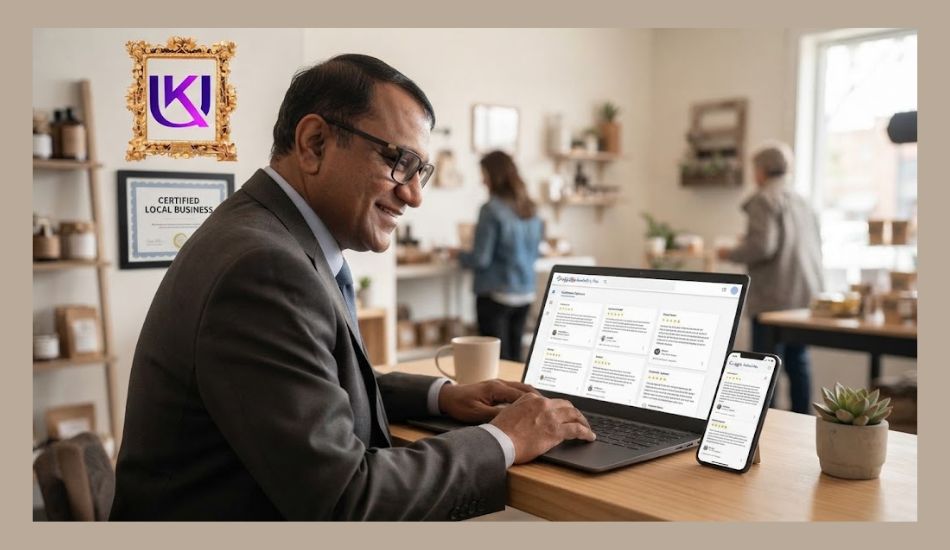
Step 2: Earn Reviews and Answer Every One
Reviews build prominence. Google itself says more reviews and good ratings can lift your local rank. People care too. BrightLocal found that 97% of consumers read reviews for local businesses.
Fresh reviews matter most. Shoppers want to know you are open and busy right now. A review from last week says more than one from last year.
How to Ask for Reviews
- Ask right after the job is done. The happy moment is the best moment.
- Send a text with a direct link to your review page.
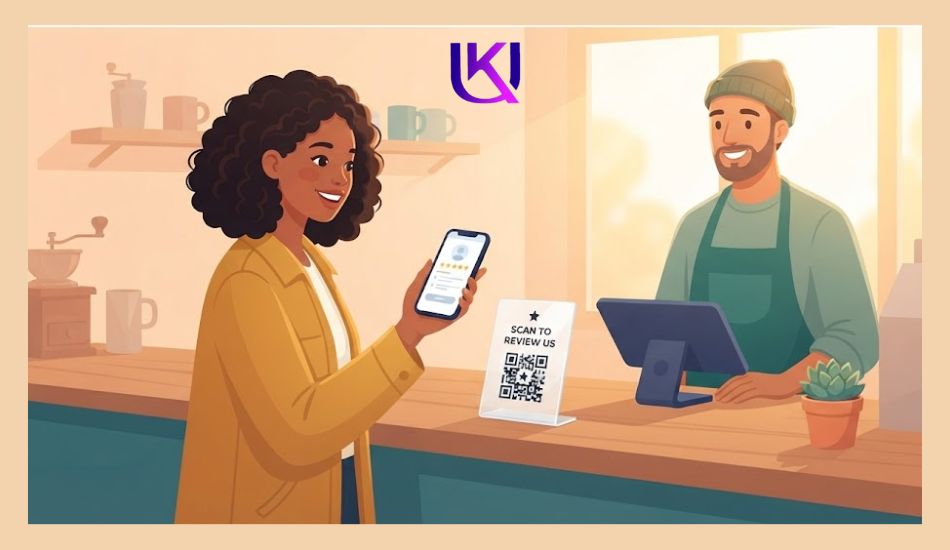
- Put a QR code at the counter or on the receipt.
- Do it for every customer.
How to Reply
Say thanks. Use the person’s name. Mention what you did for them. Keep it short and real. Do not paste the same reply again and again. Many shoppers notice, and they do not like it.
Got a bad review? Stay calm. Say sorry. Offer to fix it. Future customers will read your reply. It shows who you are.
| Warning: Never buy reviews or write your own. In the US, the FTC’s rule on consumer reviews makes buying or posting fake reviews illegal, with large fines. Do not pay people or give gifts for reviews. Ask for honest ones. |

Step 3: Make Your Website Back Up Your Profile
Your site proves what your profile says. Whitespark’s 2026 report names a dedicated page for each service as a top signal for local organic results. It also ranks high for AI search.
Say you run a flower shop in Tampa. Do not put wedding flowers, funeral flowers, and same-day delivery on one page. Give each its own page. Each page can answer one need.
- One page per service: Add a short intro, prices if you can, photos, and a call button.
- One page per area you serve: Only do this if you truly serve it.
- Match your (NAP) name, address, and phone: Write them the same on your site and profile.
- Embed a Google map: Put it on your contact page.
- Add LocalBusiness schema: This code helps Google read your details.
- Make it fast on phones. Most local searchers are on a phone.
- Show local proof. Add photos from local jobs and stories from local customers.
Step 4: Get Mentioned Around Town
A citation is any place online that lists your name, address, and phone. Think Yelp, Apple Maps, Bing Places, and industry directories.
Keep them exact. If your profile says “123 Main Street,” do not write “123 Main St” somewhere else. Small gaps can confuse Google and AI tools.
Earn local links too. Sponsor a youth team. Join your chamber of commerce. Host a small event. Each one can lead to a mention on a trusted local site.
What Should You Do First With Local SEO?
If you are a small business owner, do not try to fix every part of Local SEO in one day. Start with the areas that can affect how customers find and understand your business.
- Today: Check your Google Business Profile. Make sure your category, services, hours, phone number, website, and location information are correct.
- This week: Review your website. Make sure your main service pages clearly explain what you offer and where you serve.
- Next: Ask recent customers for honest reviews. Respond to the reviews you already have.
- Then: Check important local listings for incorrect business information. Look for real opportunities to earn relevant local mentions and links.
- After that: Create useful content based on questions your local customers actually ask.
Finally, use Google Business Profile performance data and Google Search Console (GSC) to see whether people are finding and contacting you.
Your goal is not to make Google notice you through tricks.
Your goal is to make your business clear to Google and useful to the people searching for it.
That is the foundation you can carry into 2027.
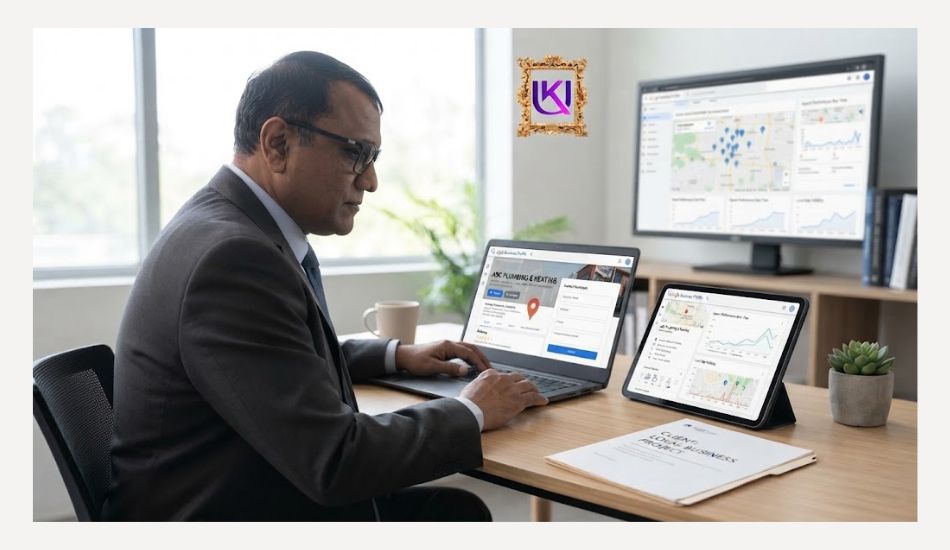
Your Weekly Local SEO Routine
Your local SEO small business routine does not need hours each day. These small habits add up.
| Task | Time | Why it helps |
| Ask for reviews after each job | 5 min a day | Keeps reviews fresh |
| Reply to new reviews | 10 min a week | Builds trust |
| Add one real photo | 2 min a week | Shows you are active |
| Check hours and details | 5 min a week | Keeps data exact |
| Post an offer or update | 10 min a week | Gives people a reason to call |
| Check one directory listing | 15 min a month | Fixes mismatched details |
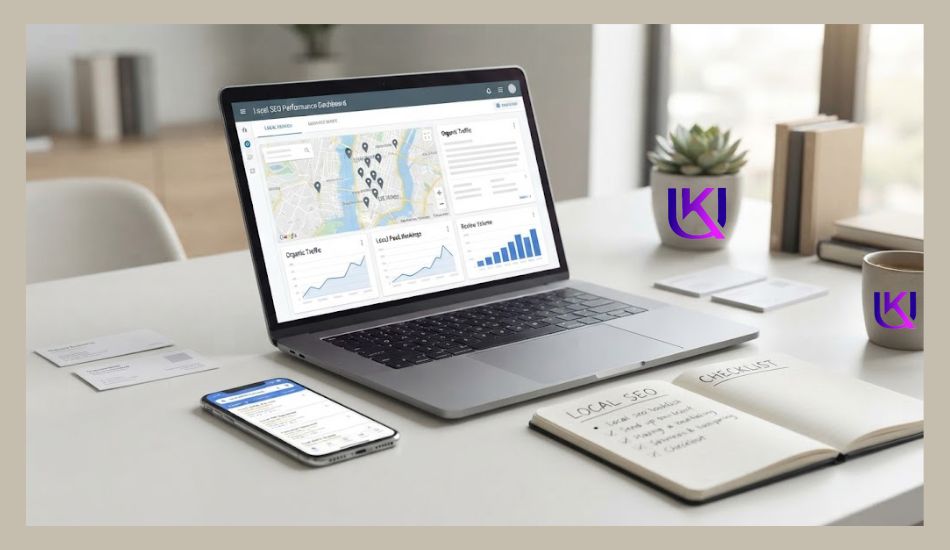
What Is the Biggest Local SEO Mistake Small Businesses Make?
The biggest mistake is treating Google Maps rankings as the only goal.
You may spend hours checking whether your business is number one, but a ranking alone does not bring you customers. What matters is whether the right people can find your business, understand your offer, trust you, and contact you.
Avoid these shortcuts:
- Adding your city name to every sentence
- Creating fake business locations
- Buying reviews
- Buying large batches of backlinks
- Creating duplicate or thin location pages
- Choosing unrelated Google Business Profile categories
- Copying a competitor’s website content
- Changing your strategy every time rankings move
Instead, keep your Google Business Profile (GBP), website, reviews, local content, and business listings connected to the real business you operate.
If you serve customers in one city, become useful in that city. Answer local questions. Show real work. Keep your business details accurate. Earn genuine customer feedback and relevant local mentions.
Google’s local system connects people with businesses relevant to their search and location.
So your biggest advantage isn’t a trick.
It is being the clearest and most useful local business for the customer you want to reach.
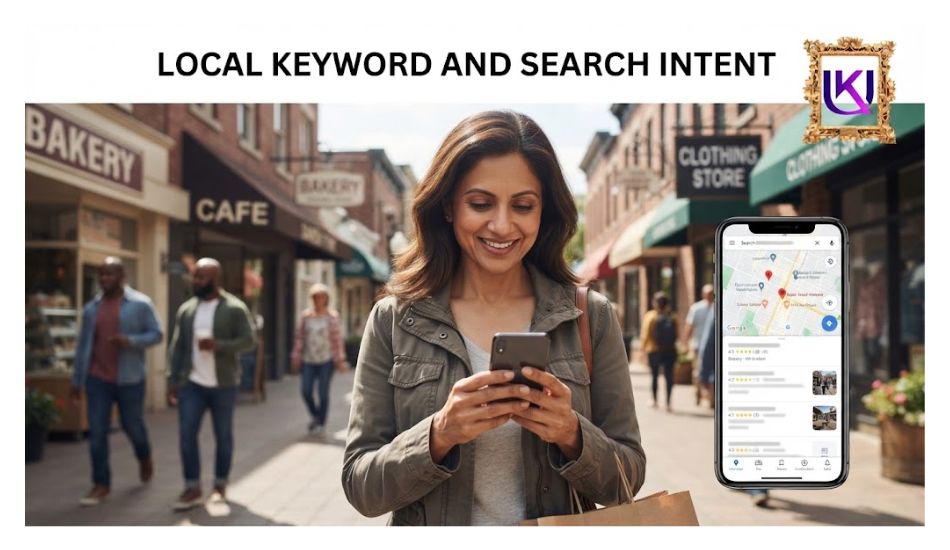
How to Know If GBP Is Working?
Open your Business Profile and look at the numbers. See how many people called, asked for directions, or clicked your site. Write down your numbers on day one.
Then check them each month. Also use Google Search Console for your service pages. And ask new customers how they found you.
Track your local SEO small business results this way each month. Be patient. Local rankings move slowly. Plan on a few months.
Be careful with anyone who promises the number one spot. No honest SEO company controls where the searcher is standing.
What Should You Do If You Serve Multiple Cities?
If your business serves several cities, you do not need to create a separate Google Business Profile for every service area.
Your approach depends on how your business operates.
If you have real locations in different cities, each eligible location can have its own accurate business information. Keep each profile connected to the correct physical location.
If you travel to customers instead, you may operate as a service-area business. Your Google Business Profile should reflect the areas you actually serve rather than using fake addresses to target more cities.
Your website can also explain your service areas. Create a location page when customers in that area need specific information and you can provide something useful.
For example, a home cleaning company could have useful pages for:
- Cleaning services in Austin
- Cleaning services in Round Rock
- Cleaning services in Cedar Park
But each page should contain information that helps customers in that location. Do not copy the same page and change only the city name.
You should also avoid claiming service areas that you do not actually cover.
The goal is simple: show Google and your customers where you genuinely operate. This keeps your local information accurate and helps you avoid building pages that offer no real value.
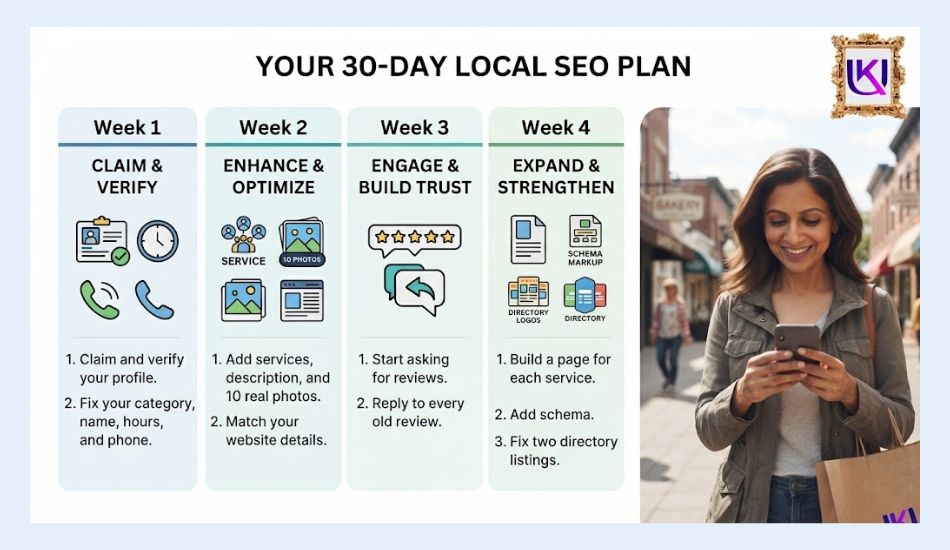
Your 30-Day Local SEO Plan
Here is a simple local SEO small business plan.
- Week 1: Claim and verify your profile. Fix your category, name, hours, and phone.
- Week 2: Add services, a description, and 10 real photos. Match your website details.
- Week 3: Start asking for reviews. Reply to every old review.
- Week 4: Build a page for each service. Add schema. Fix two directory listings.
Local SEO Checklist for Your Small Business in 2027
Before you finish your Local SEO work, use this checklist to find the most important gaps.
- Google Business Profile (GBP): Verify your business and keep the profile information accurate.
- Primary category: Choose the category that best matches your main business.
- Services: Add the services you actually provide.
- Business hours: Keep normal and special hours updated.
- Contact details: Check your phone number, address, and website.
- Photos: Use real, useful photos of your business, team, products, or work.
- Reviews: Ask real customers for honest reviews and respond to them.
- Website: Build clear service pages that match what you offer.
- Location content: Create useful local pages only where you have something valuable to say.
- Local citations: Correct important business listings with outdated information.
- Local links: Look for genuine links from relevant local and industry websites.
- Local content: Answer questions your customers actually ask.
- Google Search Console: Monitor clicks, impressions, queries, and pages.
- Business Profile performance: Watch calls, website visits, and direction requests.
- Lead tracking: Measure calls, forms, bookings, quotes, and sales.
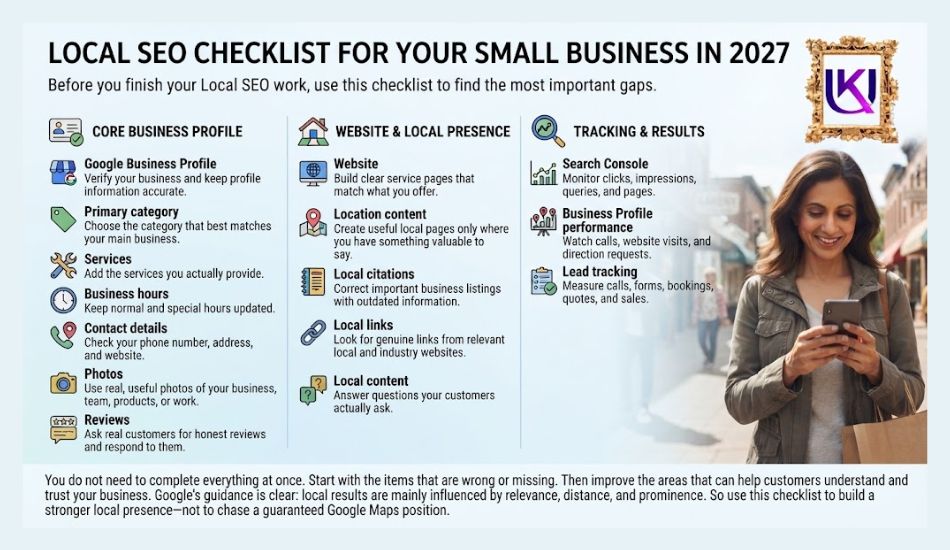
You do not need to complete everything at once.
Start with the items that are wrong or missing. Then improve the areas that can help customers understand and trust your business.
Google’s guidance is clear: local results are mainly influenced by relevance, distance, and prominence.
So use this checklist to build a stronger local presence, not to chase a guaranteed Google Maps position.
Most relevant article: Hiring a Professional SEO Expert for Local Business Growth.
Conclusion: How Can Your Small Business Win on Google Maps With Local SEO in 2027?
Local SEO small business success in 2027 will not come from adding more keywords or chasing a guaranteed #1 spot on Google Maps.
Start with the basics that customers can trust. Keep your Google Business Profile(GBP) accurate. Choose the right category. Add your real services. Keep your hours and contact details updated. Ask real customers for honest reviews.
Then make your website support the same message. Create useful service and local pages. Answer real customer questions. Build relevant local mentions and links instead of buying low-quality ones.
Finally, track what matters: calls, website visits, direction requests, leads, and sales.
You cannot control every Google Maps ranking factor, especially distance. But you can control how clearly you present your business and how useful you are to local customers.
If you keep your business information accurate, match real search intent, and build genuine local trust, you give both Google and your customers a better reason to understand, find, and choose your business.
This is where Local SEO becomes a business strategy rather than just a ranking exercise.
The real win is not “I rank on Google Maps.” The real win is “Local customers can find me, trust me, and contact me.”
FAQs: What Are the Best Local SEO Steps for Small Businesses in 2027?
1. Is local SEO free for a small business?
The Google Business Profile is free. You pay with your time, or you hire help. Some tools and directories cost money, but you can start with none.
2. How long does it take to rank on Google Maps?
Small gains can show up in a few weeks. Strong results often take a few months. It depends on your area and your rivals.
3. Do I need a storefront to show up on the map?
No. Service-area businesses, like plumbers and cleaners, can have a profile. Follow Google’s rules on showing or hiding your address.
4. How is Google Maps SEO different from regular SEO?
Regular SEO ranks web pages in the main results. Google Maps SEO ranks your business in the map block. They help each other, so you should work on both.
5. Can ChatGPT or Gemini find my business?
Yes, if the facts about you are clear. AI tools lean on the same things as Google. That means exact details, fresh reviews, and clear service pages.
Start Small, Start Today
Local SEO small business work is not magic. It is a list of small jobs done often. Fix your profile this week. Ask for one review today. Then keep going.
Want a hand? UK Deb professional SEO service helps US small businesses with digital marketing and SEO audits at ukdeb.net. A short audit can show you which fix to make first.