
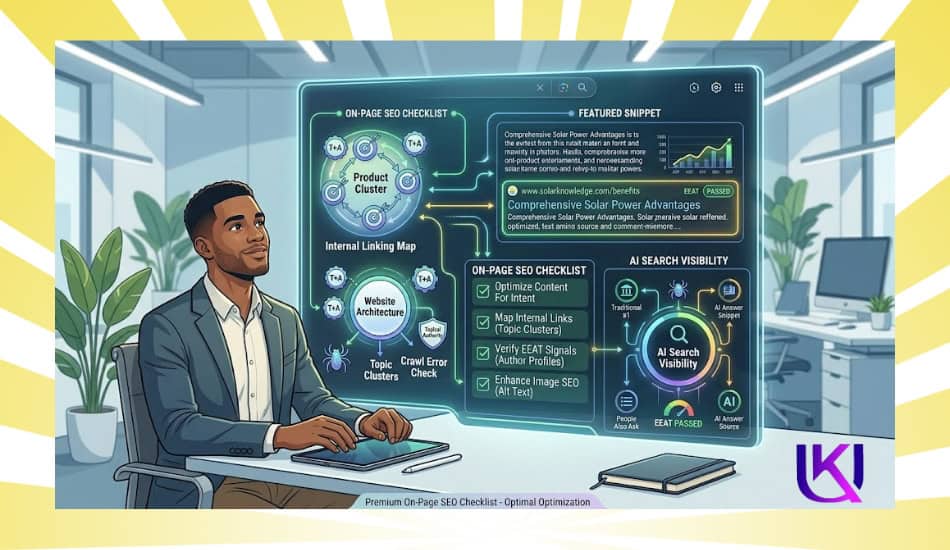
An on-page SEO Checklist is often the missing piece when a website has good content but still struggles to rank on Google. Most pages that fail to rank are not missing backlinks. They are missing the basics.
You can spend months building links. But if the page itself is broken, unclear, or ignored by crawlers, none of that work will stick. That is the hard truth most SEO guides skip.
You may spend hours writing articles, optimizing pages, and publishing new content, yet organic traffic stays flat, and competitors keep moving ahead.
The problem is that modern SEO is no longer about keywords alone. Google now looks at search intent, user experience, content quality, topical relevance, and trust signals before deciding which pages deserve visibility.
Its Natural Language Processing (NLP) systems can understand the meaning behind search queries, while Semantic SEO helps connect related entities and topics.
At the same time, Google’s EEAT framework evaluates if your content demonstrates real experience, expertise, authoritativeness, and trustworthiness.
That means a page needs more than a well-placed keyword. It needs a clear content structure, helpful answers, optimized heading tags, strong internal linking, descriptive meta titles and meta descriptions, image optimization, mobile-friendly design, and solid technical crawlability.
These elements help search engines understand your content while making it easier for visitors to find exactly what they need.
In this guide, you’ll learn the exact on-page SEO checklist I use on every client site. From search intent analysis and content optimization to technical SEO improvements and AI search visibility.
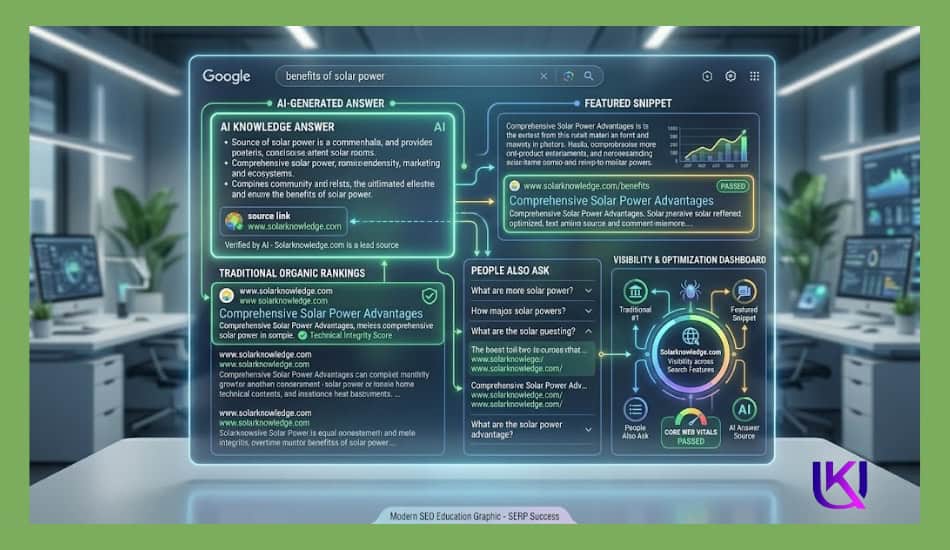
Each step is designed to help your pages rank higher, attract qualified traffic, and perform better in Google Search, AI Overviews, Featured Snippets, and other modern search experiences.
| Quick Answer (Featured Snippet): An on-page SEO checklist is a step-by-step guide to fixes you apply to a single web page to help it rank higher in search engines. The core areas are: keyword placement in your title and headings, matching user search intent, fixing crawlability issues, improving page speed, and writing a compelling meta description. Run this checklist before you publish or update any page. |
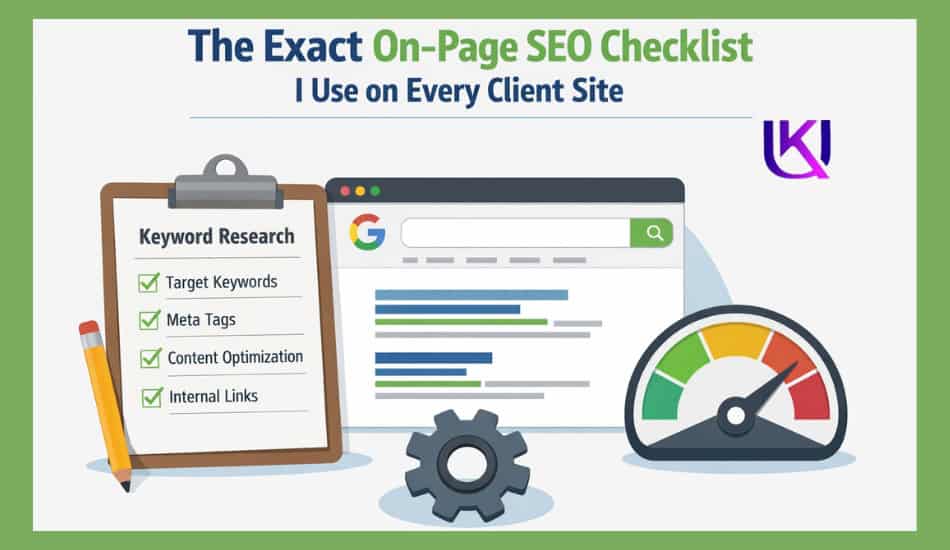
Step-by-Step Guide: What Does a Complete On-Page SEO Checklist Look Like in 2026?
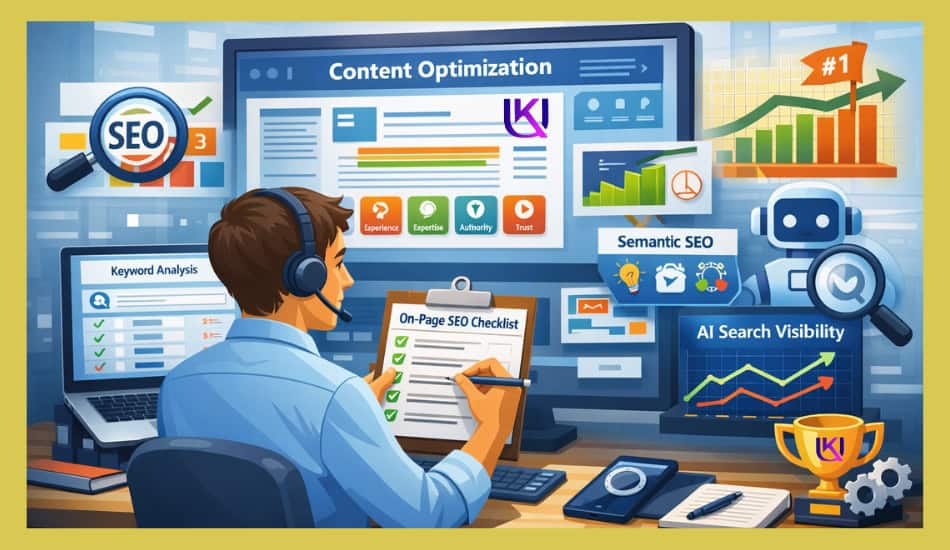
A complete on-page SEO checklist in 2026 goes far beyond adding keywords to a page. Search engines now use AI, Natural Language Processing (NLP), Semantic SEO, and EEAT signals to understand whether your content truly helps users.
If your pages are not ranking, the problem may not be your content quality. It could be missing search intent alignment, weak internal linking, poor technical SEO, or a lack of trust signals.
The on-page SEO is something you can control. By following a proven checklist, you can make it easier for search engines to crawl, understand, and rank your content while creating a better experience for visitors.
This on-page SEO checklist covers what I personally run through on every client site before a single link is built. It has three pillars: Intent-Driven Content, Technical Crawlability, and Smart Keyword Placement. Work through all three, and your page will be ready to compete.
In this step-by-step guide, you’ll learn from beginners to advanced users about the exact on-page SEO elements that matter most in 2026, from content optimization and keyword placement to Core Web Vitals, EEAT, and AI search visibility.
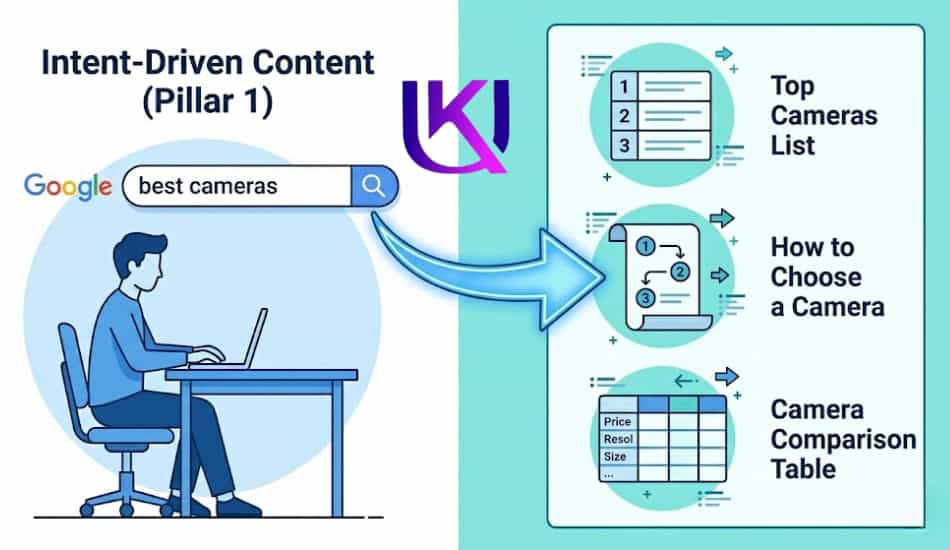
PILLAR 1 Intent-Driven Content: Why Isn’t Your Content Ranking Despite Good Writing?
Google does not rank content just because it uses the right words. Intent-driven content ranks for the best answers to what the searcher actually wants. That is search intent. Get it wrong, and even a perfectly optimised page will sit on page three.
Step 1. Match Your Content Format to the Query
Before you write a single word, search your target keyword. Look at the top five results. Are they list posts? How-to guides? Comparison pages? That tells you what Google thinks users want.
- List posts rank for queries like “best tools” or “checklist for X.”
- How-to guides win on “how to fix” or “how to set up” searches
- Comparison pages dominate “X vs Y” queries
- Single-answer pages own “what is” and definition searches
Copy the dominant format. Do not fight it. You can always add your own spin inside that format.
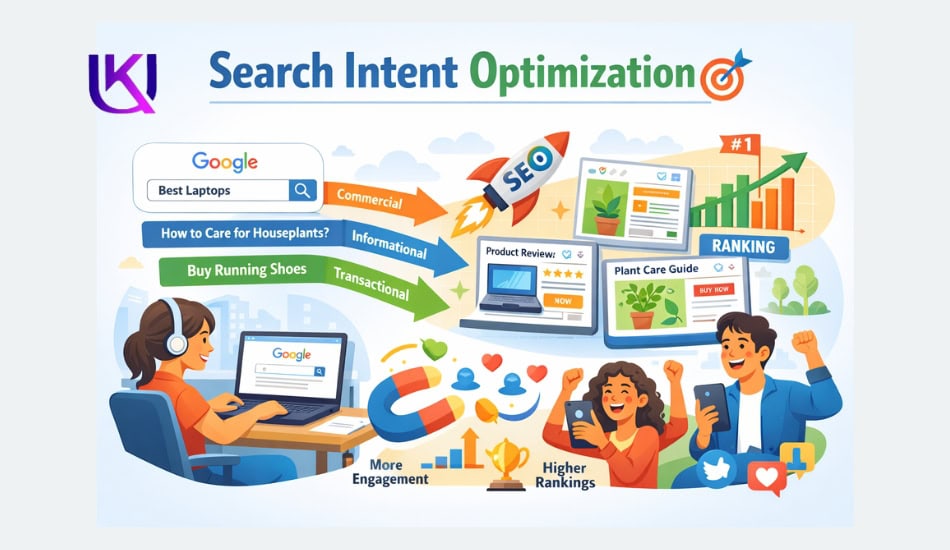
Step 2. Cover the Full Topic, Not Just the Keyword
Thin content is invisible content. A page that only talks about the main keyword without covering related ideas looks weak to Google.
Use these signals to find related topics you should cover:
- Check the “People Also Ask” section on Google for your keyword
- Scroll to the bottom of the search results page and read the related searches
- Open the top three ranking pages and scan their H2 subheadings
Your page does not need to be the longest. It needs to be the most useful.
Step 3. Write for a Grade 5 Reading Level
Short sentences win. Simple words win. Readers skim especially on mobile. If your paragraphs are four lines long, you will lose them before you make your point.
- One idea per paragraph
- Use “you” and “your” to speak directly to the reader
- Replace long words with short ones whenever you can
- Break up walls of text with subheadings every 150 to 200 words
| Pro Tip: Paste your draft into Hemingway Editor. Aim for Grade 5 or 6. If the app displays many red and purple sentences, rewrite them. Shorter sentences improve both readability scores and time-on-page metrics. |
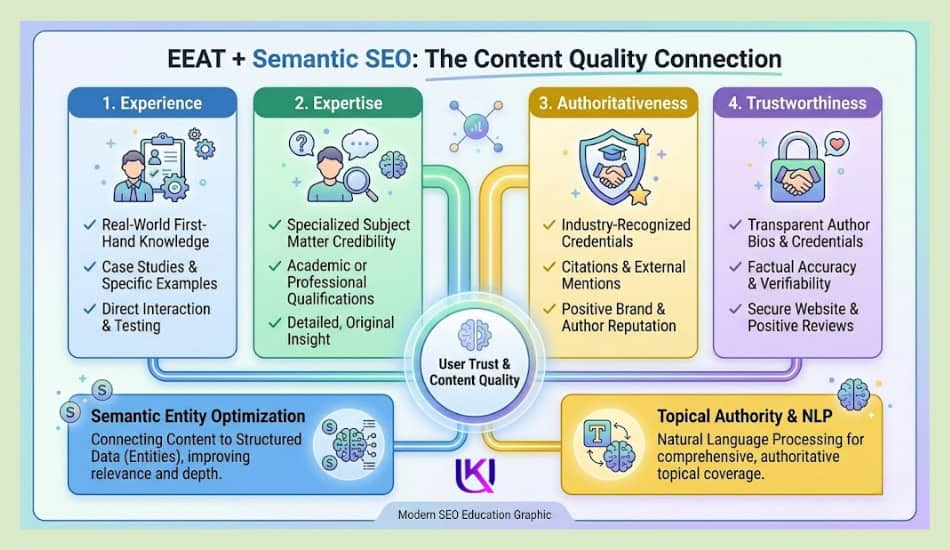
Step 4. Use an EEAT-Driven Introduction
EEAT stands for
- Experience
- Expertise
- Authoritativeness
- Trustworthiness.
Google uses it to assess whether content is worth ranking.
- Your introduction should do three things fast:
- State the problem the reader has
- Tell them why you are qualified to solve it
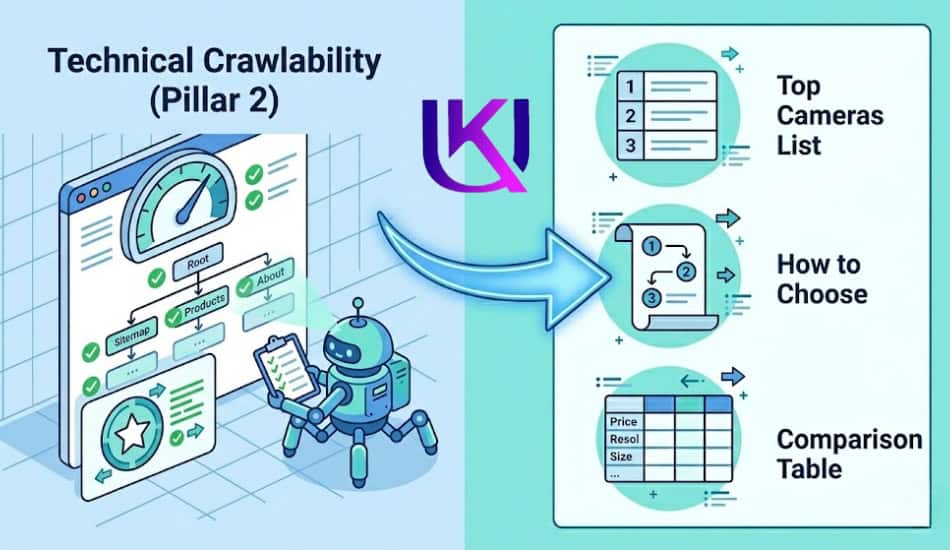
PILLAR -2 Technical Crawlability: Simple On-Page SEO Fixes That Can Make a Big Difference
You can write the best article on the planet. If Googlebot cannot properly crawl and index it, zero people will find it through search. This pillar is about making sure your page is technically clean.
Step 5. Check Your Indexability Status First
Open Google Search Console (GSC). Search your URL using the URL Inspection tool. Make sure the page is “URL is on Google.” If it says “Discovered currently not indexed” or “Crawled currently not indexed,” you have a problem to fix before anything else.
- Check for a noindex tag in your page source
- Make sure the page is not blocked in your robots.txt file
- Confirm the page is included in your XML sitemap
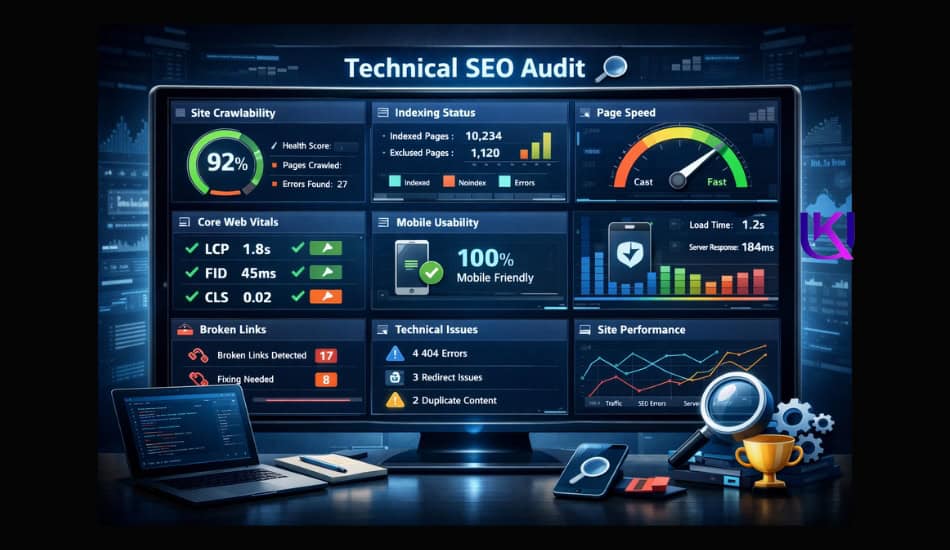
Step 6. Fix Core Web Vitals
Core Web Vitals are Google’s speed signals. They directly affect ranking. The three you need to know:
| Metric | What It Measures | Target Score |
| LCP (Largest Contentful Paint) | How fast does the biggest element load | Under 2.5 seconds |
| INP (Interaction to Next Paint) | How fast the page responds to clicks | Under 200ms |
| CLS (Cumulative Layout Shift) | How many elements jump around while loading | Under 0.1 |
Run your URL through Google PageSpeed Insights. Fix whatever shows in red. Common culprits include uncompressed images, render-blocking JavaScript, and slow hosting.
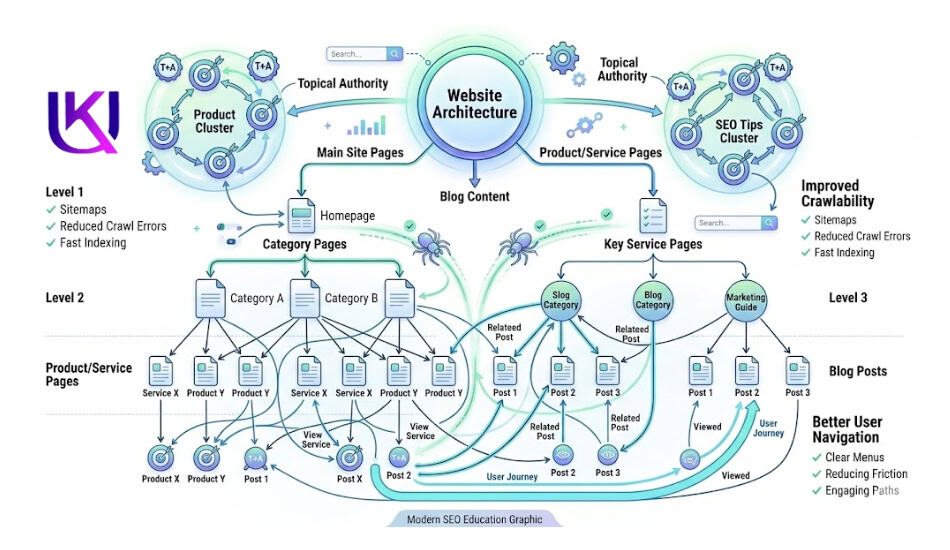
Step 7. Audit Your Internal Linking
Every important page on your site should receive at least two internal links from other pages. This is how link equity flows. It also tells Google which pages you think matter most.
- Link to the page from your most relevant existing posts
- Use descriptive anchor text, not “click here” or “read more.”
- Check for orphan pages (pages with zero internal links) using Screaming Frog or Ahrefs.
Step 8. Optimise Your URL Structure
Your URL should be clean, short, and descriptive. Avoid numbers, dates, and random strings.
- Good: yoursite.com/on-page-seo-checklist
- Bad: yoursite.com/?p=4821 or yoursite.com/blog/2021/04/29/on-page-seo-checklist-for-beginners.
Once a URL is indexed, do not change it unless absolutely necessary. If you do change it, set a 301 redirect from the old URL.
Step 9. Add Structured Data (Schema Markup)
Schema markup helps Google understand what type of content your page contains. It also increases your chances of getting rich results like star ratings, FAQ dropdowns, and how-to steps in the search results.
For a checklist or how-to post and use:
- HowTo schema shows numbered steps directly in Google
- The FAQPage schema shows question and answer dropdowns under your result
- Article schema signals authorship and publication date
Use Google’s Rich Results Test to validate your markup before publishing.
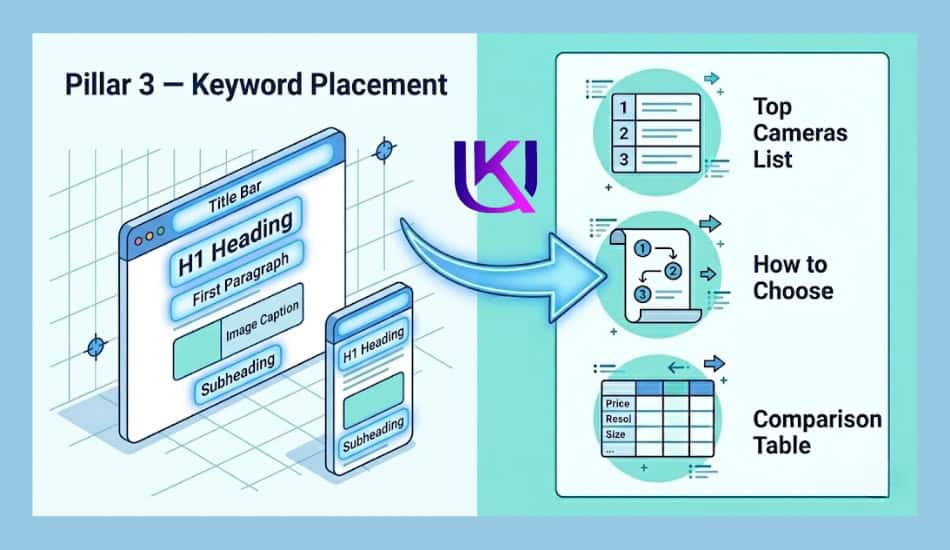
PILLAR -3: Smart Keyword Placement for Better Rankings and Traffic.
Keyword stuffing is dead. But strategic keyword placement is very much alive. There is a difference. Stuffing means jamming your keyword into every sentence. Smart placement means using your keyword in the spots that carry the most SEO weight.
Step 10. Optimise Your Title Tag
Your title tag is the single most important on-page SEO element. It is what appears as the blue link in search results. It tells Google and the reader exactly what the page is about.
- Put your primary keyword near the start of the title
- Keep it under 60 characters so it does not get cut off
- Make it compelling enough to earn the click, not just the rank
| Example:Weak title: “SEO Tips for Websites” Strong title: “On-Page SEO Checklist: 15 Steps That Actually Move Rankings” |
Step 11. Write a Meta Description That Earns Clicks
Meta descriptions do not directly affect rankings. But they do affect your click-through rate. A higher click-through rate tells Google your result is what people want, and that does affect rankings over time.
- Keep it between 140 and 160 characters
- Include your primary keyword naturally
- End with a soft call to action: “See the full checklist” or “Start with Step 1.”
Step 12. Use Your Keyword in the First 100 Words
Place your primary keyword in the opening paragraph. You do not need to force it. Work it in naturally. This tells Google immediately what the page is about, so it can start understanding relevance from the very first line.
Step 13. Optimise Your H1 and H2 Tags
Every page needs exactly one H1 tag. That is your main headline. It should include your primary keyword.
Your H2 tags are your subheadings. They do not all need to include the exact keyword. But they should include related terms, questions, and semantic phrases that support the main topic.
- H1: Include the primary keyword
- H2: Use related terms, long-tail phrases, and PAA questions
- H3: Break down the H2 topic into smaller, scannable pieces
Step 14. Optimise Your Images
Every image on your page has three SEO touchpoints:
- Alt text: Describe the image using your keyword where it fits naturally
- File name: Rename image files before uploading. “on-page-seo-checklist.png” beats “IMG_4821.jpg”
- File size: Compress all images before upload. Use WebP format for the best quality-to-size ratio
Step 15. Add Semantic Keywords and NLP Entities
Semantic keywords are related words and phrases that signal topical depth. They help Google connect your content to a broader network of meaning. This is how you rank for multiple related queries from a single page.
For an on-page SEO checklist, your semantic entities might include:
- Title tags, meta descriptions, header tags
- Search intent, user experience, and click-through rate
- Core Web Vitals, page speed, crawl budget
- Internal linking, anchor text, XML sitemap
- Structured data, schema markup, rich results
You do not stuff these in. You use them where they naturally fit because when you write with real depth, they appear on their own.
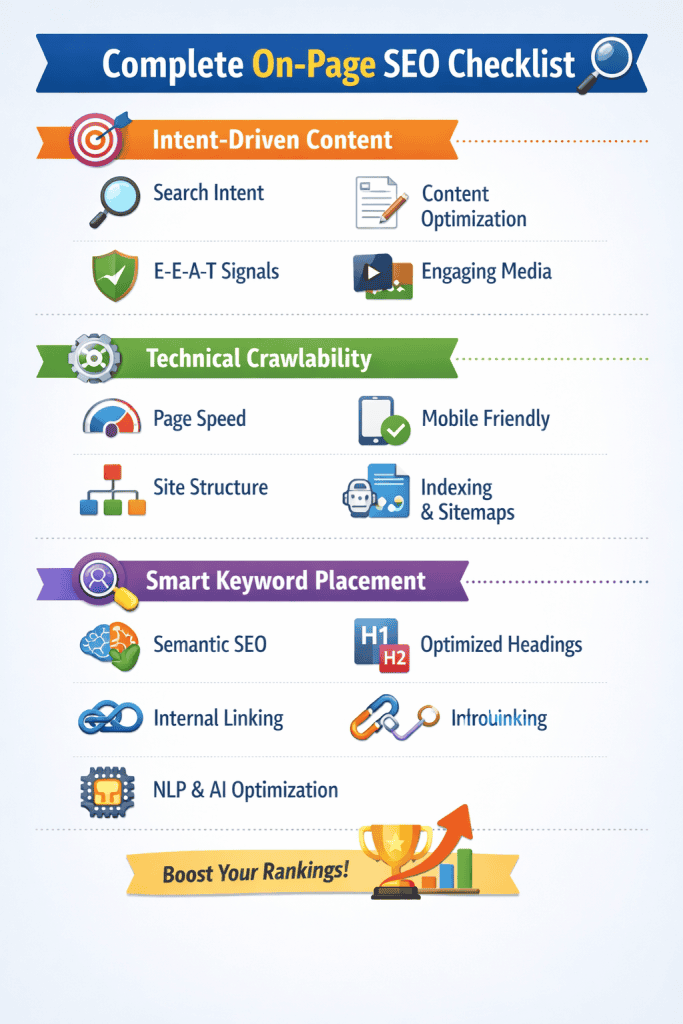
The Master Use This Proven On-Page SEO Checklist Before Hitting Publish.
Use this table before you publish any page. Print it. Save it. Paste it into your SOPs.
| # | Task | Pillar | Done? |
| 1 | Match content format to search intent | Content | |
| 2 | Cover the full topic, not just the keyword | Content | |
| 3 | Write at a Grade 5 reading level | Content | |
| 4 | Add EEAT signals in the introduction | Content | |
| 5 | Confirm the page is indexed in Google Search Console | Technical | |
| 6 | Fix Core Web Vitals (LCP, INP, CLS) | Technical | |
| 7 | Add and audit internal links | Technical | |
| 8 | Clean up the URL slug | Technical | |
| 9 | Add schema markup and validate it | Technical | |
| 10 | Place the keyword near the start of the title tag | Keyword | |
| 11 | Write a click-worthy meta description | Keyword | |
| 12 | Use the keyword in the first 100 words | Keyword | |
| 13 | Optimise H1 and H2 tags | Keyword | |
| 14 | Optimise image alt text, file names, and sizes | Keyword | |
| 15 | Add semantic keywords and NLP entities | Keyword |
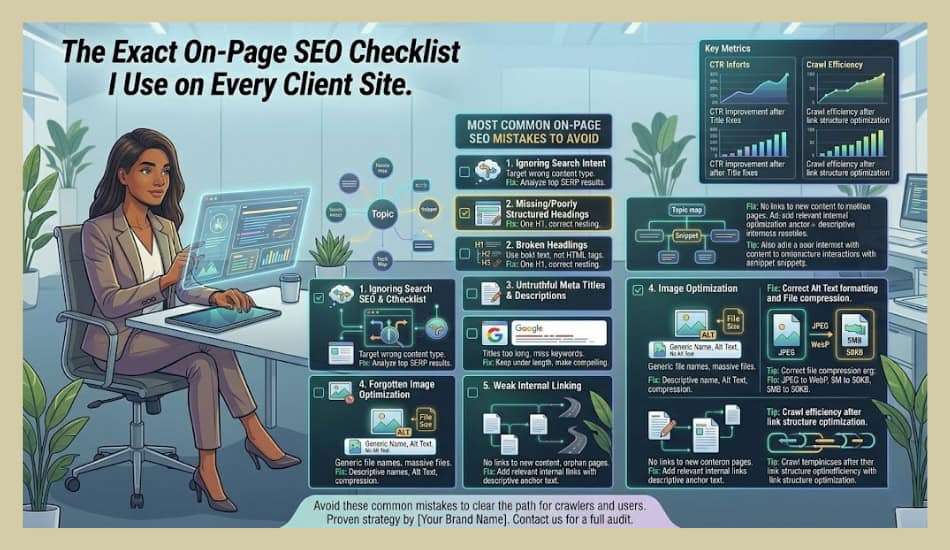
Common Mistakes to Avoid: Simple On-Page SEO Fixes That Can Make a Big Difference
Even a well-written page can struggle to rank if it contains basic on-page SEO mistakes. Many website owners focus on adding more content but overlook the issues that stop search engines and users from getting value from the page. Avoiding these mistakes can improve rankings, user experience, and organic traffic.
1. Ignoring Search Intent
One of the biggest mistakes is creating content that does not match what users want. If someone searches for a checklist, guide, or solution, they expect practical information. When your content does not satisfy that intent, visitors leave quickly, and search engines notice.
Before creating a page, ask yourself: “What problem is the user trying to solve?” Then build your content around that answer.
2. Keyword Stuffing
Adding the same keyword over and over does not help rankings. In fact, it can make content harder to read and create a poor user experience.
Instead of forcing keywords into every paragraph, use natural language, related terms, and relevant entities. This helps search engines understand the topic while keeping the content useful for readers.
3. Weak Title Tags and Meta Descriptions
Many pages miss opportunities because their title tags and meta descriptions are too generic. Even if a page ranks, users may not click it if the search result does not look helpful.
Your title should clearly explain the page’s value. Your meta description should encourage users to click by showing how the content solves their problem.
4. Poor Heading Structure
Some pages use multiple H1 tags, skip heading levels, or create headings that do not describe the content. This makes it harder for both users and search engines to understand the page structure.
Use one H1 tag for the main topic and organize supporting sections with H2 and H3 headings. A clear structure improves readability and crawlability.
5. Forgetting Internal Links
Publishing content without internal links is like building roads that go nowhere. Search engines use internal links to discover pages and understand relationships between topics.
Link to relevant pages that provide additional value. Use descriptive anchor text so users and search engines know what to expect after clicking.
6. Neglecting Image Optimization
Large image files can slow down page speed, while missing alt text reduces accessibility and search visibility.
Compress images before uploading them, use descriptive file names, and add helpful alt text that explains what the image shows.
7. Poor Mobile Experience
Most searches now happen on mobile devices. If your page is difficult to read, slow to load, or hard to navigate on a phone, users may leave before engaging with your content.
Make sure your website is mobile-friendly, loads quickly, and provides a smooth experience across all screen sizes.
8. Missing EEAT Signals
Many websites publish useful content but fail to show why users should trust it. Without trust signals, it becomes harder to build credibility.
Add author information, cite reliable sources, share real experience, and keep content accurate and up to date. These elements strengthen Experience, Expertise, Authoritativeness, and Trustworthiness (EEAT).
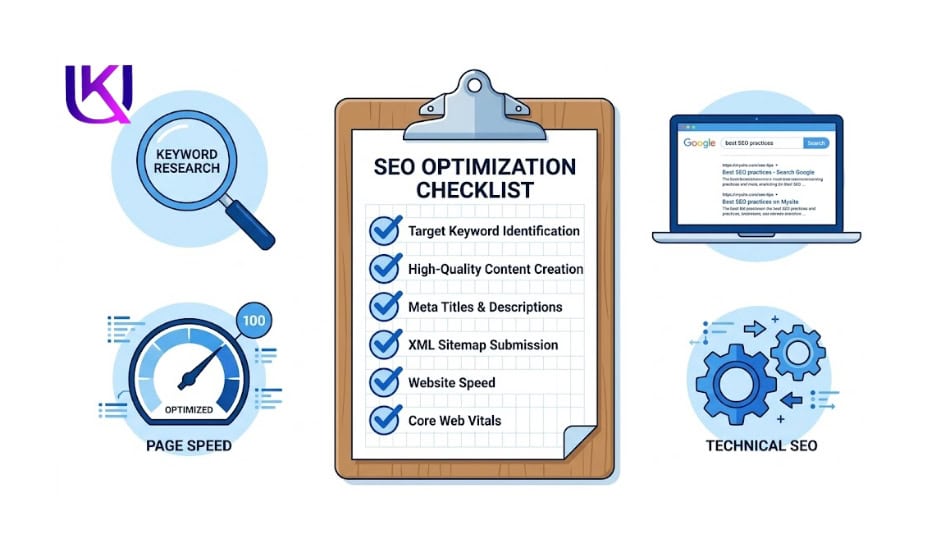
9. Overlooking Technical SEO Issues
Broken links, crawl errors, duplicate content, and indexing problems can prevent strong pages from reaching their full ranking potential.
Regularly audit your website to identify technical issues. A page cannot perform well if search engines struggle to crawl or index it.
10. Focusing on Search Engines Instead of Users
The most common mistake is optimizing for algorithms while forgetting the people reading the page. Search engines aim to reward content that genuinely helps users.
When you create content that answers questions clearly, solves problems, and provides a great user experience, most SEO best practices naturally fall into place.
However, if you want your on-page SEO efforts to produce better results, focus on user intent, content quality, technical health, and trust signals.
Avoiding these common mistakes can help your pages rank higher, attract more qualified visitors, and perform better in both traditional search results and AI-powered search experiences.
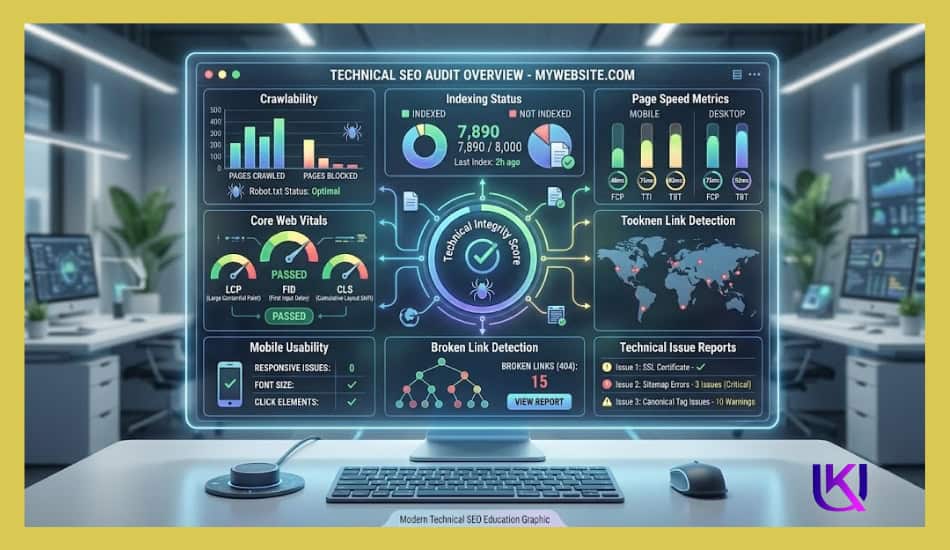
How to Measure Results After Optimization?
Completing your on-page SEO checklist is only the first step. The real goal is to see whether your changes improve rankings, traffic, user engagement, and conversions.
Without tracking results impossible to know which optimizations are working and where further improvements are needed.
You do not need dozens of tools. A few key metrics can tell you whether your on-page SEO efforts are moving in the right direction.
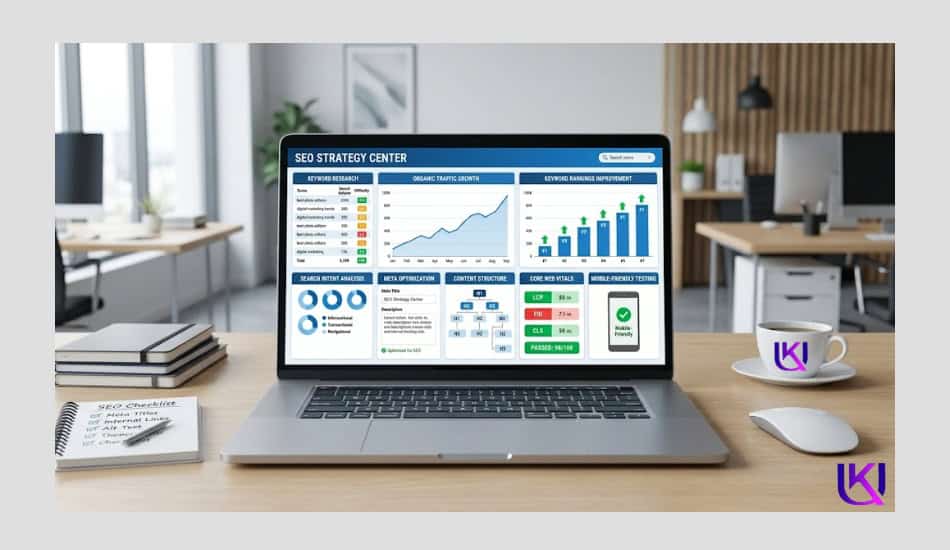
1. Monitor Keyword Rankings
Start by tracking the keywords you optimized the page for. Higher rankings usually mean search engines better understand and trust your content.
Pay attention to:
- Primary keyword positions
- Secondary keyword rankings
- Featured Snippet opportunities
- AI Overview visibility
- New keywords the page starts ranking for
Remember that ranking improvements may take several weeks, especially in competitive industries.
2. Track Organic Traffic Growth
One of the clearest signs of successful optimization is an increase in organic traffic.
Use analytics tools to monitor:
- Total organic visitors
- New users from search engines
- Traffic growth over time
- Landing page performance
If traffic increases steadily after optimization, your page is likely becoming more visible in search results.
3. Measure Click-Through Rate (CTR)
A page can rank well but still receive few clicks. That is why Click-Through Rate (CTR) is an important metric.
A higher CTR often indicates:
- Strong title tags
- Compelling meta descriptions
- Better alignment with search intent
If impressions increase but clicks remain low, your search snippet may need improvement.
4. Check User Engagement Signals
Search engines want to show pages that keep users engaged. After optimization, monitor how visitors interact with your content.
Look at:
- Average engagement time
- Pages viewed per session
- Scroll depth
- Bounce rate trends
When users spend more time reading and exploring your site, it is often a sign that the content is meeting their needs.
5. Monitor Conversion Rates
Traffic alone does not pay the bills. If your goal is leads, sales, or inquiries, conversion tracking is essential.
Measure actions such as:
- Contact form submissions
- Phone calls
- Newsletter sign-ups
- Product purchases
- Consultation requests
A successful on-page SEO strategy should attract visitors who are more likely to take action.
6. Review Internal Link Performance
Internal links help users discover additional content and help search engines understand your website structure.
Check whether:
- Users are clicking internal links
- Important pages receive more traffic
- Related content gains visibility
Strong internal linking often improves both engagement and rankings.
7. Evaluate Core Web Vitals and Page Experience
Technical performance remains an important ranking factor. Regularly review your site’s page experience metrics.
Focus on:
- Loading speed
- Mobile usability
- Visual stability
- User interaction speed
A fast and responsive page creates a better experience for visitors and supports long-term SEO performance.
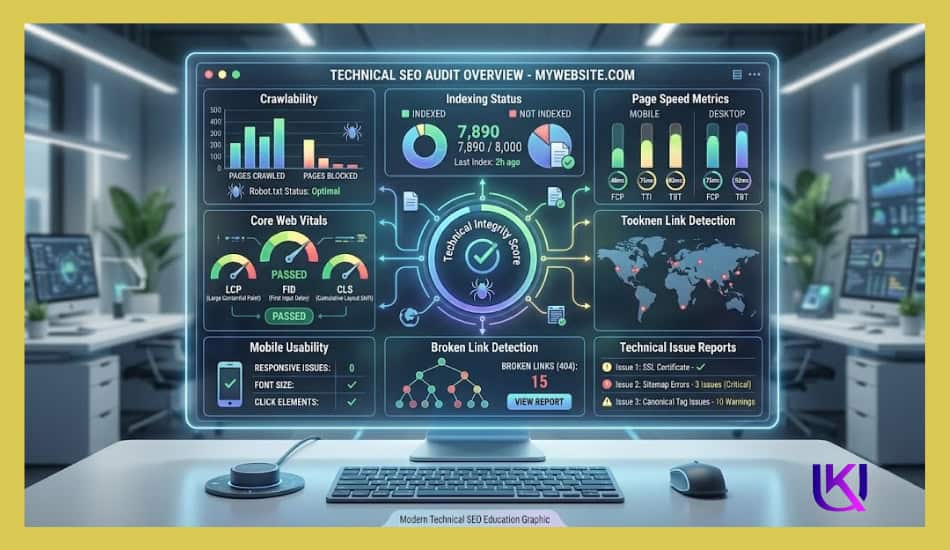
8. Compare Before and After Results
One of the best ways to measure success is to compare performance before and after optimization.
Create a simple tracking table like this:
| Metric | Before Optimization | After Optimization |
| Keyword Rankings | Position 18 | Position 7 |
| Organic Traffic | 500 visits/month | 1,100 visits/month |
| CTR | 2.8% | 5.4% |
| Engagement Time | 1m 20s | 3m 10s |
| Conversions | 8 per month | 22 per month |
This comparison makes it easier to see the impact of your SEO work.
9. Focus on Trends, Not Daily Changes
SEO results rarely happen overnight. Rankings and traffic naturally fluctuate from day to day.
Checking performance every few hours, reviewing data weekly, and monthly. Long-term trends provide a more accurate picture of success than short-term changes.
However, the best way to measure on-page SEO success is to track keyword rankings, organic traffic, click-through rates, engagement, conversions, and page experience metrics together.
When these indicators improve over time, it is a strong sign that your optimization efforts are helping both users and search engines understand the value of your content.
Final Thoughts: Start With the Page, Not the Links
Every SEO campaign I have ever run started here on the page. Not with outreach emails. Not with link-building spreadsheets. With the fundamentals.
You now have all 15 steps. Three pillars. One table you can use as a working checklist on every project.
Run through Pillar 1 first. Fix the content and the intent. Then move to Pillar 2 and clean up the technical side. Finish with Pillar 3 and make sure every keyword placement is earning its spot.
Do this on every page before you do anything else, and you will stop wondering why your pages are not ranking.
Helpful article: How to Write Blog Posts That Google Wants to Show First?
FAQs: A Repeatable On-page SEO System That Works.
1. What is an on-page SEO checklist?
An on-page SEO checklist is a list of optimisations you apply directly to a web page to help it rank higher in search results. It covers content quality, keyword placement, technical setup, and user experience, all the things you control on the page itself.
2. How do I do on-page SEO step by step?
Start with search intent. Figure out what the searcher actually wants, then build your content around that. Next, place your keyword in the title, H1, and opening paragraph. Fix any technical issues like slow load times or missing schema. Finally, add internal links and optimise your images.
3. What is the most important on-page SEO factor?
Search intent match is the most important factor. If your content does not match what the user is looking for, no amount of keyword optimisation will save your rankings. Google ranks pages that satisfy the searcher, not just pages that contain the keyword.
4. Does on-page SEO still matter in 2025?
Absolutely. On-page SEO is the foundation. With AI-generated answers like Google’s AI Overviews pulling content directly from web pages, the basics matter more than ever. A well-structured, clearly written, properly tagged page is more likely to be cited as a source in AI search results.
5. How long does on-page SEO take to work?
Most pages show movement within four to twelve weeks after optimisation. Pages on newer or lower-authority sites may take longer. Speed depends on keyword competition, your domain authority, and how many other changes you make at the same time.