
A US business website not showing on Google is one of the most frustrating problems a small business owner can face. You built a website and launched it. But when you search for your business on Google, nothing shows up.
That is not just frustrating. That is lost money every single day.
Basically, Google does not automatically know your website exists. And even if it finds it, several things can still stop it from showing your site to people.
When you launch a business website, create a Google Business Profile (GBP), and maybe even complete business verification through Google Business Profile Manager.
Yet your business still does not appear in Google Search or Google Maps. In many cases, the issue is not your website itself. Google may not have indexed your pages yet, a technical SEO setting could be blocking search engine crawlers, or your business information may not be fully trusted across the web.
Sometimes, a simple noindex tag, inconsistent NAP (Name, Address, and Phone Number) details, or an unresolved issue inside Google Search Console (GSC) can keep your business hidden from potential customers.
Most visibility problems have a clear solution. If you are wondering why your business is not showing up on Google after verification, why your website is missing from search results, or why your business no longer appears in local search and the Google Maps local pack, there are specific steps you can take to diagnose and fix the problem.
In this guide, basic known how to use Google Search Console, check your indexing status with the URL Inspection Tool, review technical issues in cms WordPress, Wix, or Squarespace, verify your Google Business Profile, and make sure your business listings on sites like Yelp and Yellow Pages support your online presence rather than hurt it.
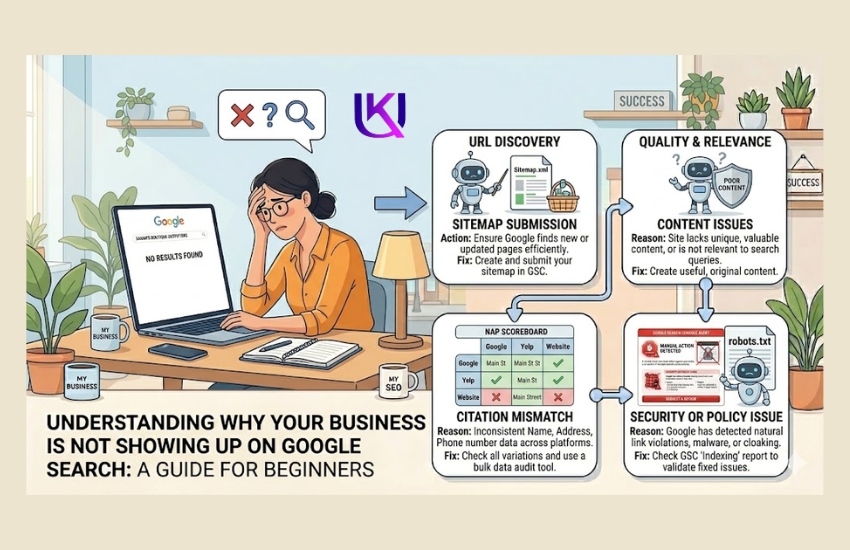
Does Google Even Know Your Website Exists?
Before anything else, you need to check this one thing.
Open Google. Type in your website address exactly like this: site:yourbusinessname.com
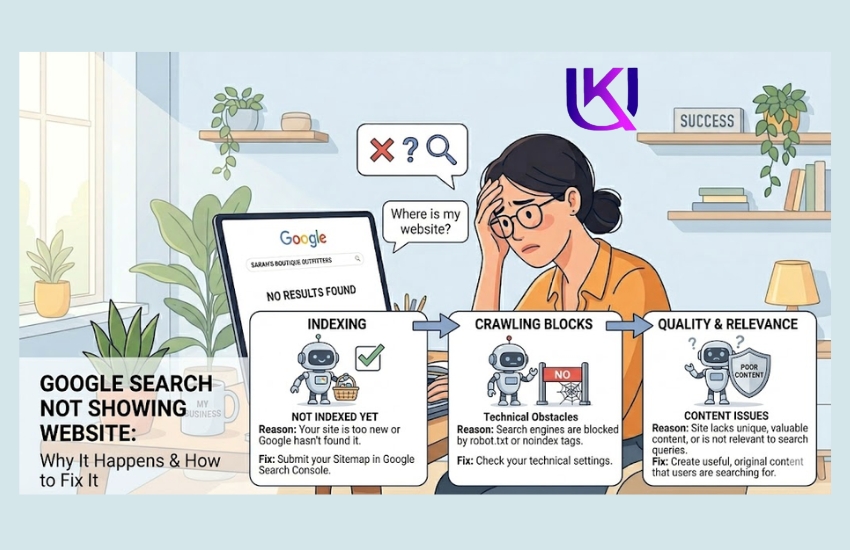
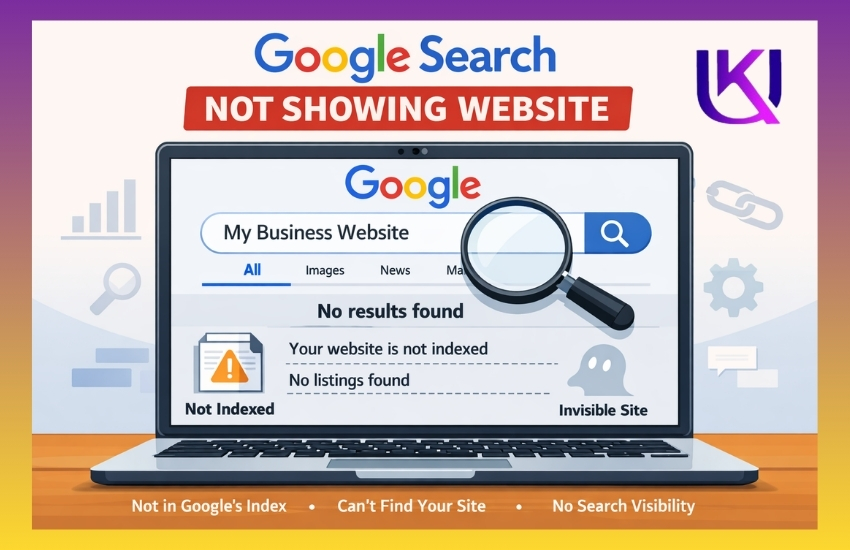
Did any results come up? If not, Google has not indexed your site yet. That means Google has not added your website to its search library. If it is not in the library, it simply cannot show up in search results.
This is the most common reason a US business website is not showing on Google.
What You Should Do?
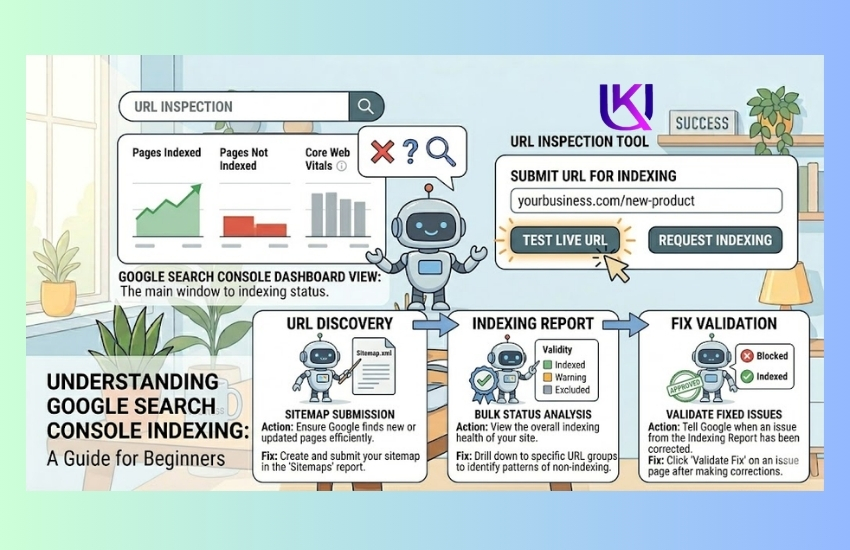
Go to Google Search Console. It is free. Create an account and add your website.
Once you are in, use the URL Inspection tool. Paste your website address in the search bar. Then click Request Indexing. This tells Google to go look at your site and add it to the search results.
It can take a few days. Sometimes up to a couple of weeks. But this is where you start.
Is Your Website Accidentally Hiding From Google?
This happens more than you think, especially if you used a website builder.
When you first build a website on platforms like WordPress, Wix, or Squarespace, there is often a setting that says something like “Discourage search engines from indexing this site.”
It is usually meant for when your site is under construction. But many business owners forget to turn it off. And Google respects that setting. So it stays invisible.
What You Should Do?
Log in to your website builder. Go to the settings or privacy section. Look for any option that mentions search engines or indexing. Make sure it is turned OFF.
- In WordPress, go to Settings → Reading. Uncheck the box that says “Discourage search engines from indexing this site.”
- In Wix or Squarespace, look under SEO Settings or Site Visibility.
One small checkbox can hide your whole website. Make sure yours is not the problem.
Have You Set Up Your Google Business Profile?
Your website and your Google Business Profile are two different things. Many business owners do not know this.
Your Google Business Profile (GBP) is what shows up in the map section when someone searches for a local business. That section at the top of Google results with the map and three business listings is called the Local Pack.
If your business is not in the Local Pack, local customers searching for your service will not find you easily.
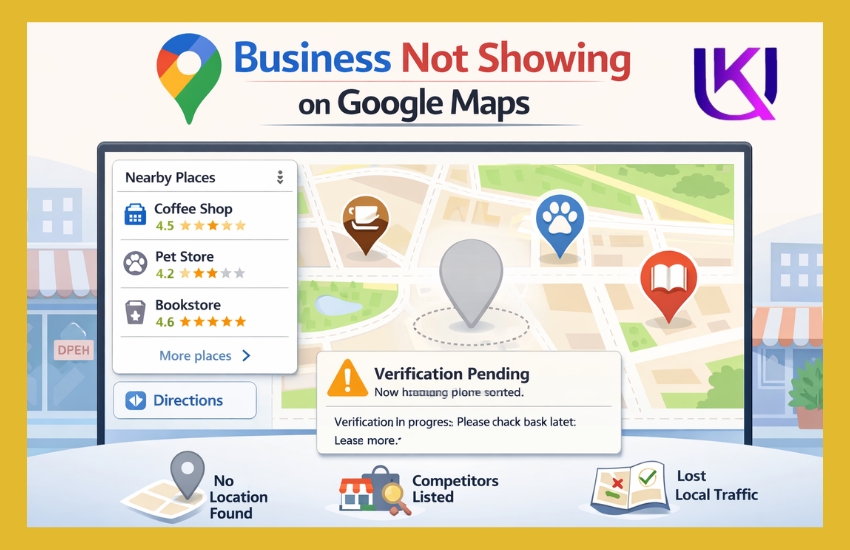
What You Should Do for Local Pack?
Go to Google Business Profile at business.google.com. Search for your business name.
If it is already there, claim it. If it is not, create a new listing.
You will need to verify your business. Google usually sends a postcard to your business address with a verification code. It can take a few days to a few weeks. Some businesses can verify by phone or email instead.
Once verified, fill out every part of your profile. Add (NAP) your address, phone number, hours, photos, and a link to your website.
A complete, verified Google Business Profile gives your business a much stronger chance of showing up in local searches.
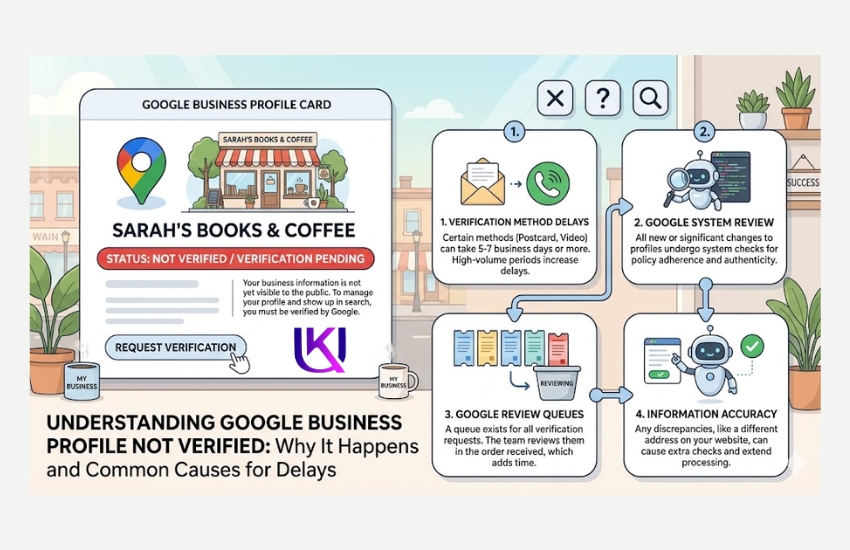
Why Is My Business Not Showing Up on Google After Verification?
You verified your Google Business Profile. But your business still does not appear. Why?
This is a common question, and there are a few reasons it happens.
- Your GBP profile may still be processing: Google can take up to a week to fully activate a new profile after verification.
- Your category might be too broad or wrong: If you listed your business as “Store” instead of “Shoe Repair Store,” Google may not show you for the right searches.
- Local Pack profile is incomplete: A half-filled profile ranks lower than a complete one. Add photos, hours, and a description.
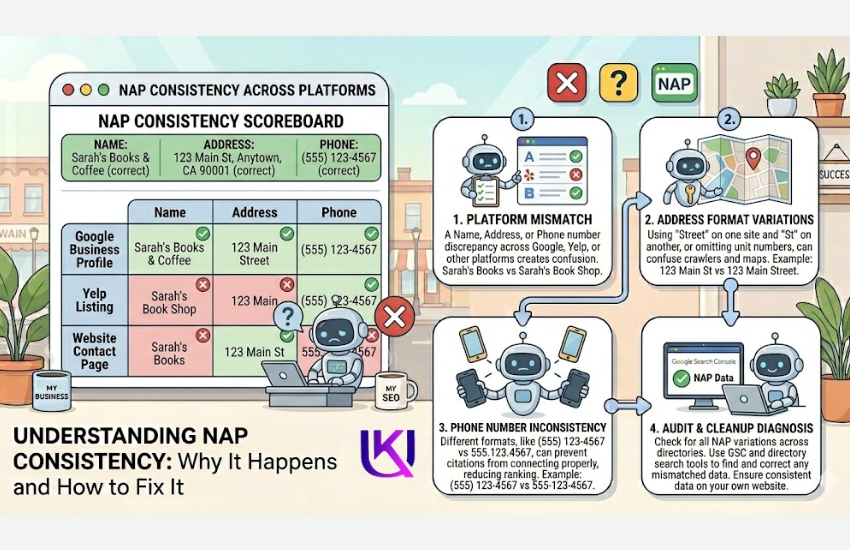
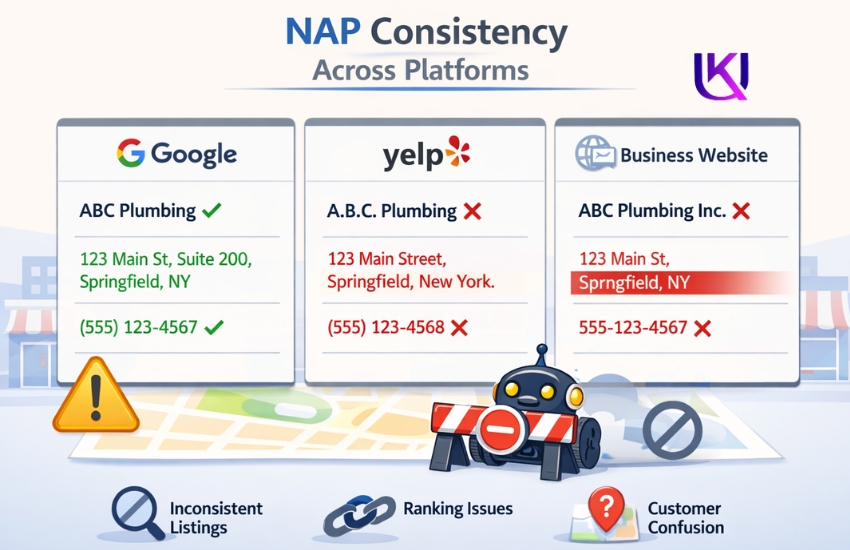
- There is duplicate information online: If your business name, address, or phone number appears differently across websites, Google gets confused about whether your business is real.
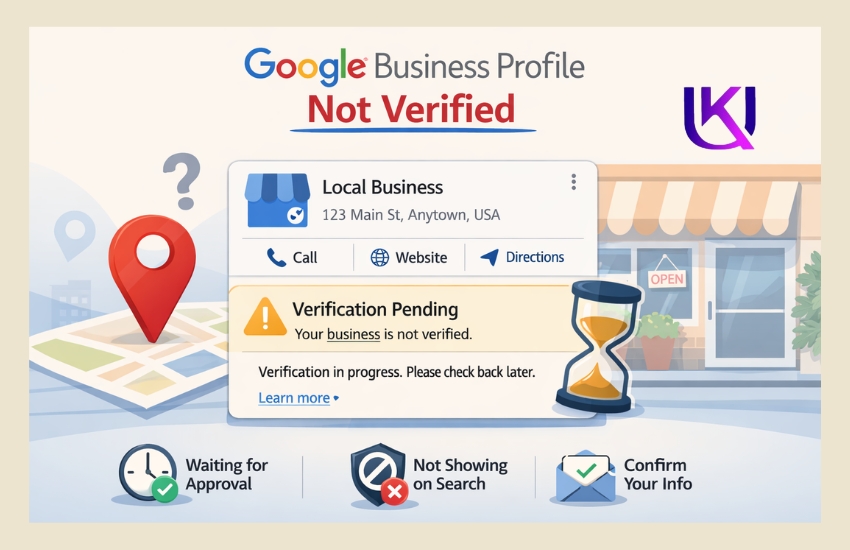
What You Should Do for Your Local Pack?
Check every place your business appears online. Your website. Your Yelp page. Your Facebook page. Your YellowPages listing.
Your Name, Address, and Phone Number called (NAP) must be the same everywhere. Not just similar. Exactly the same.
Even small differences like “St.” vs “Street” or “Suite 3” vs “#3” can hurt your visibility.
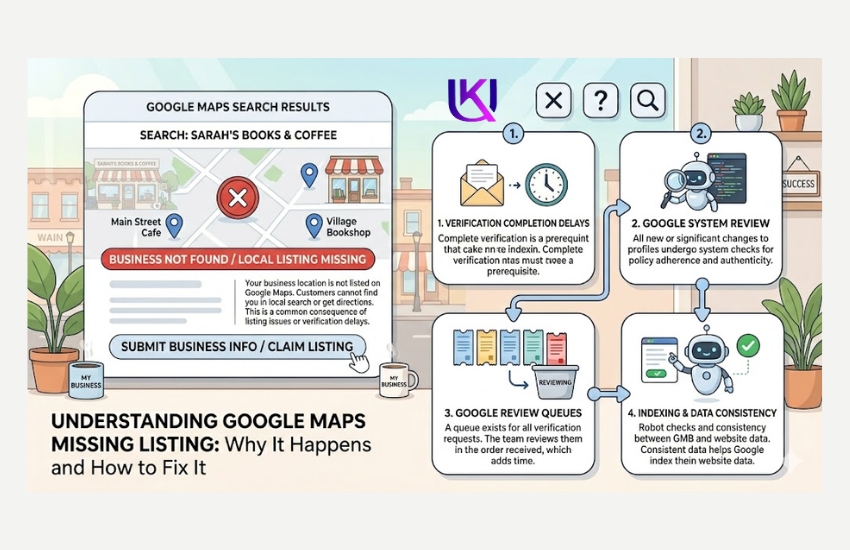
Why Is My Business Not Showing Up on Google Maps?
Google Maps and Google Search are connected. But they are not the same.
If your business does not show on Google Maps, it usually means one of these three things:
- You do not have a verified Google Business Profile. Without one, Google has no address to pin on the map.
- Your location data is wrong or missing. If you entered an incorrect address or left it blank, Google cannot place you on the map.
- You serve customers at their location, not at a storefront. If you are a plumber or a mobile dog groomer, you need to set your service area properly instead of a physical address.
What You Should Do?
Open your Google Business Profile Manager at business.google.com. Check your address. Make sure it is correct and complete.
If you are a service-area business, go to your profile and set the cities or zip codes you serve. This tells Google where to show your business on the map even without a storefront.
Could a Technical Problem Be Blocking Google?
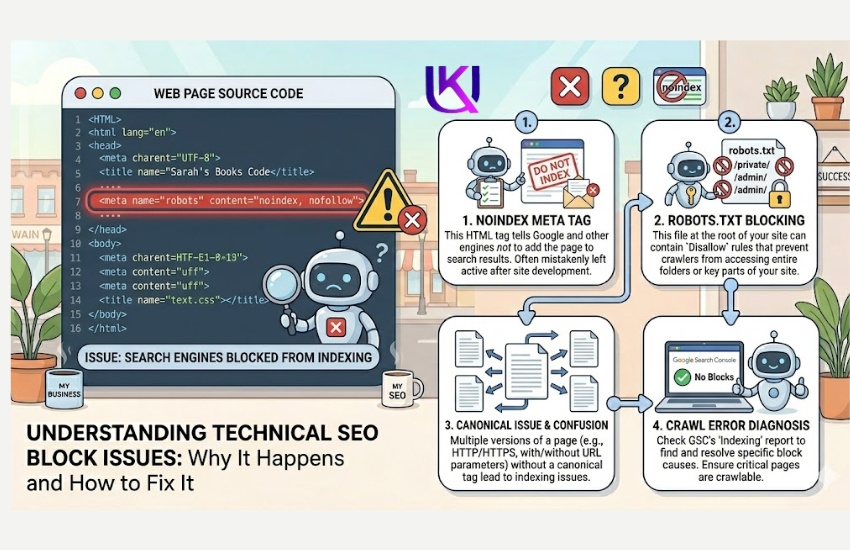
Sometimes Google tries to visit your website, but your site pushes it away. This is called a technical block.
The most common one is a noindex tag. This is a small piece of code on your web page that tells Google, “Do not add this page to search results.” Developers use it on purpose for certain pages. But sometimes it ends up on pages that should be visible.
Another block is a robots.txt file. This is a text file on your website that tells Google which pages it can and cannot visit. If it is set up wrong, it can block your whole site.
What You Should Do?
Use Google Search Console. Go to the URL Inspection tool and look at your homepage. It will tell you whether Google can access your page or if something is blocking it.
You can also type your website address into a free tool like Screaming Frog or Google’s Rich Results Test to check for noindex tags.
If you find a noindex tag on a page that should be visible, remove it. If you are not sure how, any basic WordPress developer or your website platform’s support team can help you fix it in minutes.
Has Your Website Been Penalized by Google?
If your website was once showing up on Google but has suddenly disappeared, this could be the reason.
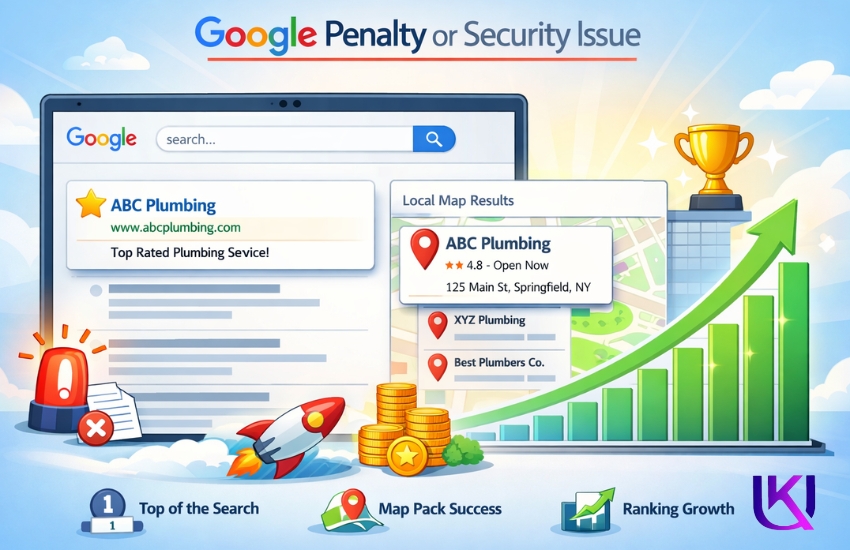
Google can issue a manual penalty to websites that break its rules. Common reasons include:
- Buying links from other websites
- Copying content from other sites
- Keyword stuffing (putting the same phrase everywhere unnaturally)
- Having a hacked or spammy website
A manual penalty can drop your site off Google entirely.
What You Should Do?
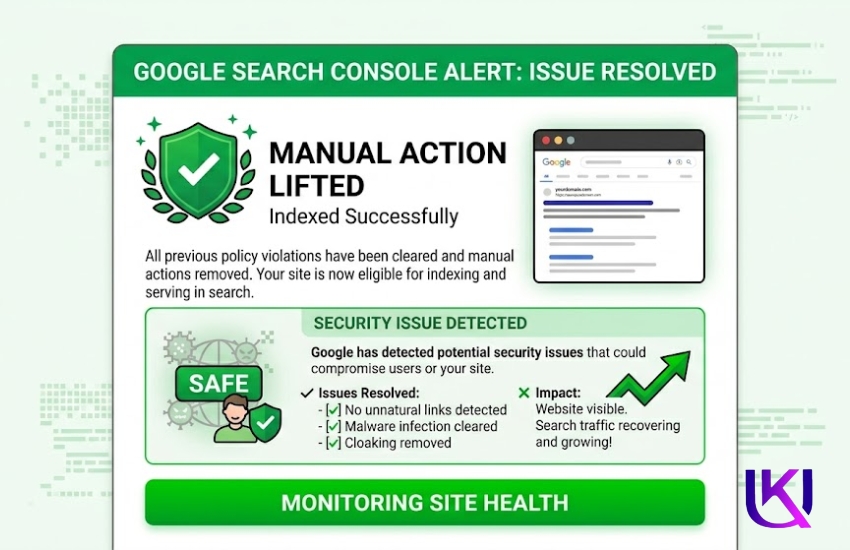
Open Google Search Console. Look in the left menu for Security & Manual Actions. Click on Manual Actions.
If there is a message there, it will tell you exactly what Google found wrong. You can fix the issue and then request a review.
Also, check the Security Issues section. If your website was hacked, Google will warn you here.
Is Your Website New?
Brand new websites take time to rank on Google. It is not instant.
If your site is less than three to six months old, Google may still be figuring out what your site is about and how trustworthy it is. This is called the Google Sandbox, an unofficial name for the waiting period new websites go through.
During this time, Google is watching. It wants to see that your site is real, helpful, and updated regularly.
What You Should Do?
Keep adding useful content to your website. Write blog posts. Update your service pages. Answer common questions your customers ask.
Get other websites to link to yours. This could be a local chamber of commerce directory, a Yelp listing, or a partner business mentioning you on their site.
The more signals Google sees that your business is real and active, the faster it will start showing your site.
A Quick Checklist: Why Is My Website Not Appearing in Google Searches?
Use this to check your situation fast.
| Problem | Quick Fix |
| Google has not found your site | Submit URL in Google Search Console |
| The site is set to private | Change visibility settings in your website builder |
| No Google Business Profile | Create and verify at business.google.com |
| Inconsistent NAP data | Match your name, address, and phone across all sites |
| Noindex tag on your pages | Remove the tag or ask your developer |
| Manual penalty from Google | Check Google Search Console and Manual Actions |
| The site is brand new | Be patient, create content, get links |
You Do Not Have to Figure This Out Alone
Finding out why your US business website is not showing on Google can feel overwhelming. There are a lot of moving parts. And every business situation is a little different.
That is why a professional Technical SEO Audit exists.
An audit looks at every part of your website. It finds exactly what is blocking you from Google. And it gives you a clear plan to fix it without the guesswork.
Book your free audit today.
Get answers specific to your business, your website, and your market. Stop guessing and start showing up where your customers are looking.
→ [Book Your Free SEO Audit Now]
Need Help Finding the Problem?
Our team provides a free website visibility audit to help you discover why your business is missing from Google Search and what steps will get you back in front of potential customers.
Conclusion: Get Your Business Back on Google
If your US business website is not showing on Google, the problem is usually easier to fix than most business owners think. In many cases, the issue comes down to one of a few common causes for your website not being indexed, or your Google Business Profile is not fully verified. A technical SEO setting is blocking Google, your NAP information is inconsistent, or your site has a security or manual action issue.
The key is to identify the real cause before making changes. Start by checking your website in Google Search Console, reviewing your indexing status, verifying your Local Pack (GBP), and making sure your business information is consistent across your website, Google Maps, Yelp, Yellow Pages, and other online directories.
The sooner Google can crawl, understand, and trust your website, the better your chances of appearing in Google Search, local search results, and the Google Maps local pack, where potential customers are already looking for businesses like yours.
If you have checked these issues and your website still is not showing up on Google, a professional technical SEO audit can uncover hidden problems that are limiting your visibility.
Relevant article: 7 Technical SEO Fixes That Push Pages to Page One.
People Also Ask: Why Is My US Business Website Not Showing Up on Google?
1. Why is my business website not showing up on Google?
The most likely reasons are that Google has not indexed your site yet, a technical setting is blocking it, or you do not have a verified Google Business Profile (Local Pack). Start with Google Search Console to check indexing, and check your website’s visibility settings.
2. Why is my business not showing up in Google Search?
If you are a local business, you may need to set up and verify your Google Business Profile (GBP). If you are searching by service keyword (like “plumber near me”), your website also needs SEO content that matches what customers are searching for.
3. Why is my website not appearing in Google searches?
It could be a noindex tag, a robots.txt block, or simply that your website has not been submitted to Google Search Console (GSC) yet. Use the URL Inspection tool to request indexing.
4. Why is a business no longer showing up on Google?
If it was showing before and suddenly disappeared, check for a manual penalty or security issue inside Google Search Console (GSC). A sudden drop often means Google found a problem with the site.